Productivity Tools I Use
•
2 min read
Table of Contents
Here is a short list of some great tools I've discovered over the past year.
macOS Only
Free Apps
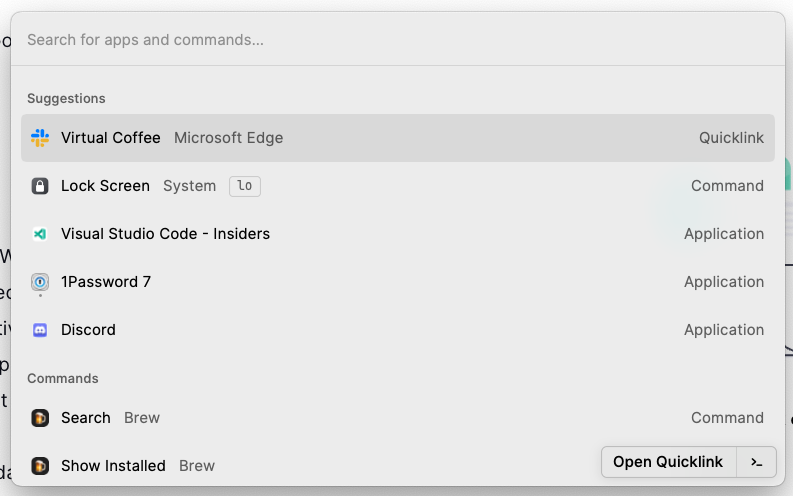
- Raycast - Workflows, snippets, macOS spotlight on steroids. I previously used Alfred, another excellent Spotlight alternative. There are plans to create a version for Linux and Windows, but they want to get it right on macOS first.
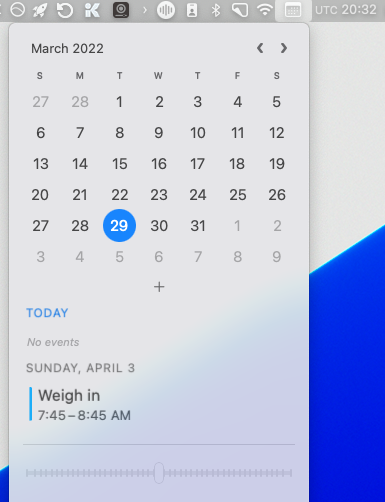
- Dato - A better date app for macOS. I also love that you can have clocks for different timezones. I have a UTC clock which is super helpful when working on a remote team with colleagues all over the planet.
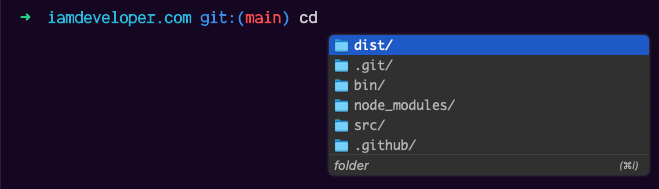
- Fig - VSCode style autocomplete in your terminal. It's more than that, but this is one of the first big things they've released.
Paid Apps
- Bartender - For managing your menu bar. I used to use Vanilla, but with the notch in newer MacBook Pros, Bartender made the menubar more usable when dealing with lots of menubar icons.
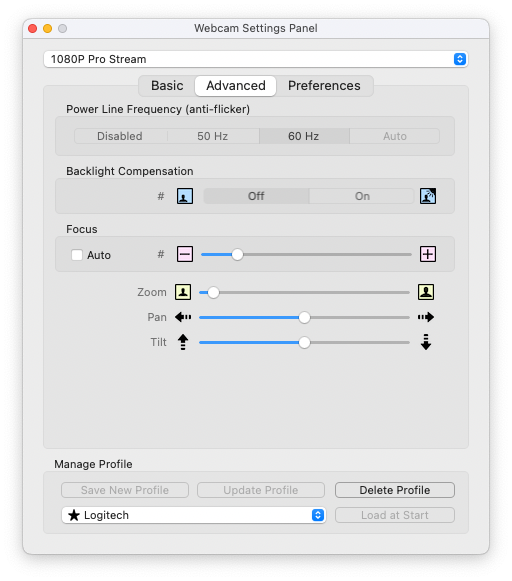
- Webcam Settings - Helps me prevent my Logitech webcam from losing focus. I also use it for zooming in on my webcam.
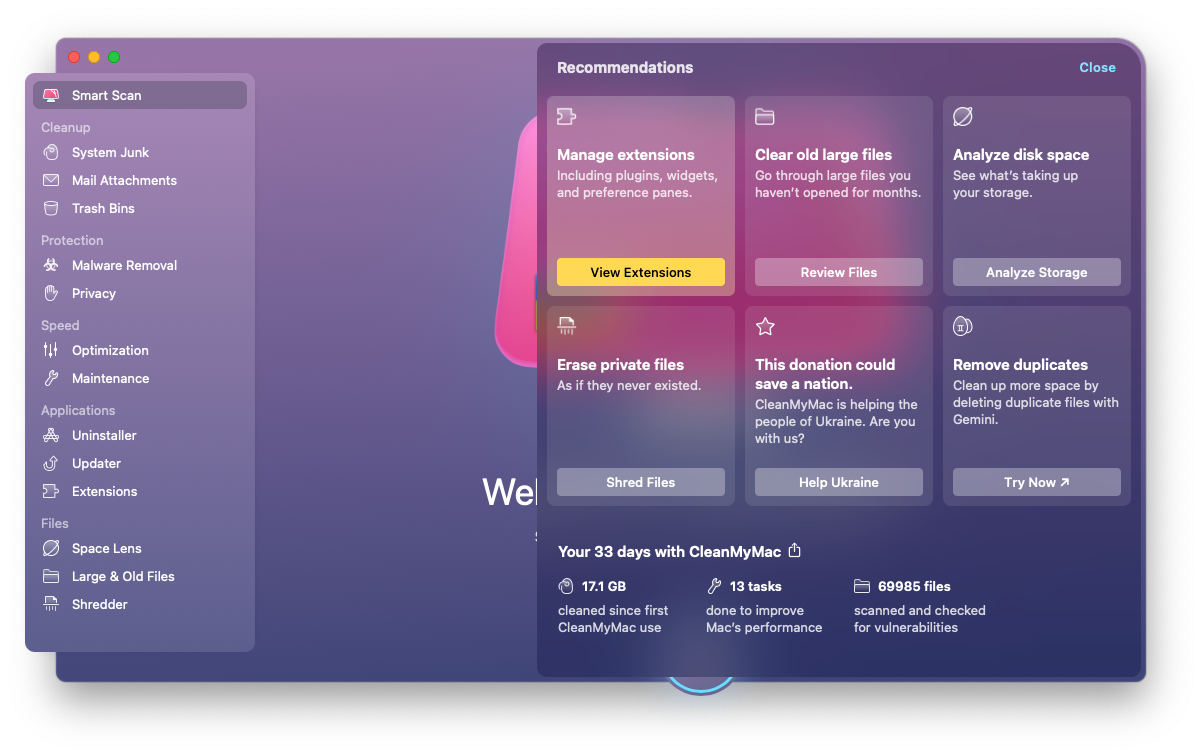
- CleanMyMac X - All I can say about CleanMyMac X is it has so many great tools for keeping your Mac running in tip-top shape.
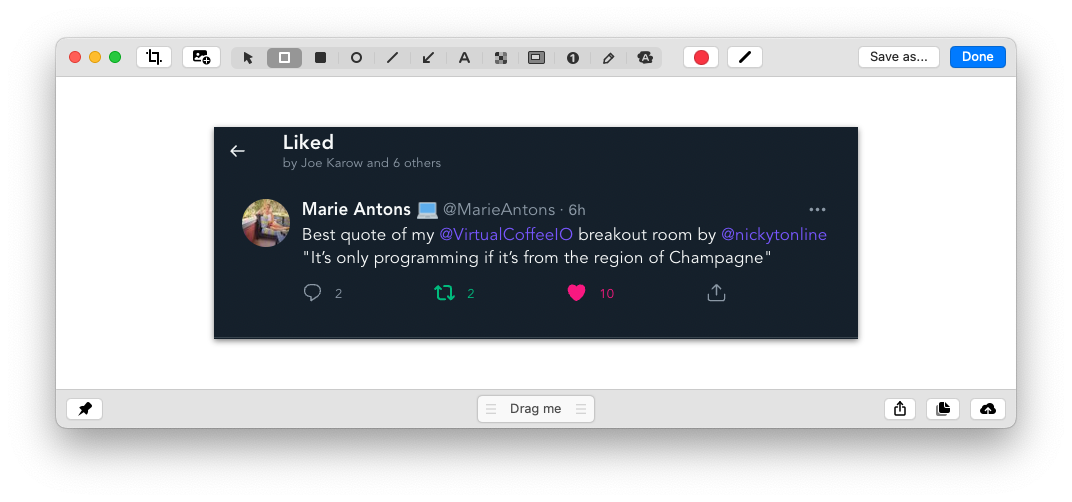
- Cleanshot X - For better screenshots and screen recordings. I've found this super useful, and the UX is great. And to top it off, there is a great editor to modify your images.
OS Agnostic
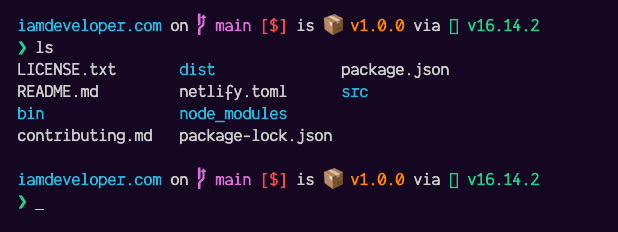
- Starship - A customizable cross shell prompt. I love the extra info out of the box it provides for the shell prompt.
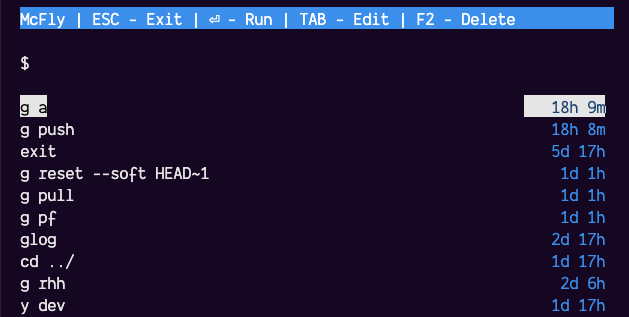
- mcfly - An enhance search for your shell history. Super charged <kbd>CTRL</kbd> + <kbd>R</kbd>!
Check out my uses page if you want to see everything in my toolbox.
Photo by <a href="https://unsplash.com/@dancristianp?utmsource=unsplash&utmmedium=referral&utmcontent=creditCopyText">Dan-Cristian Pădureț</a> on <a href="https://unsplash.com/s/photos/tools?utmsource=unsplash&utmmedium=referral&utmcontent=creditCopyText">Unsplash</a>